img img

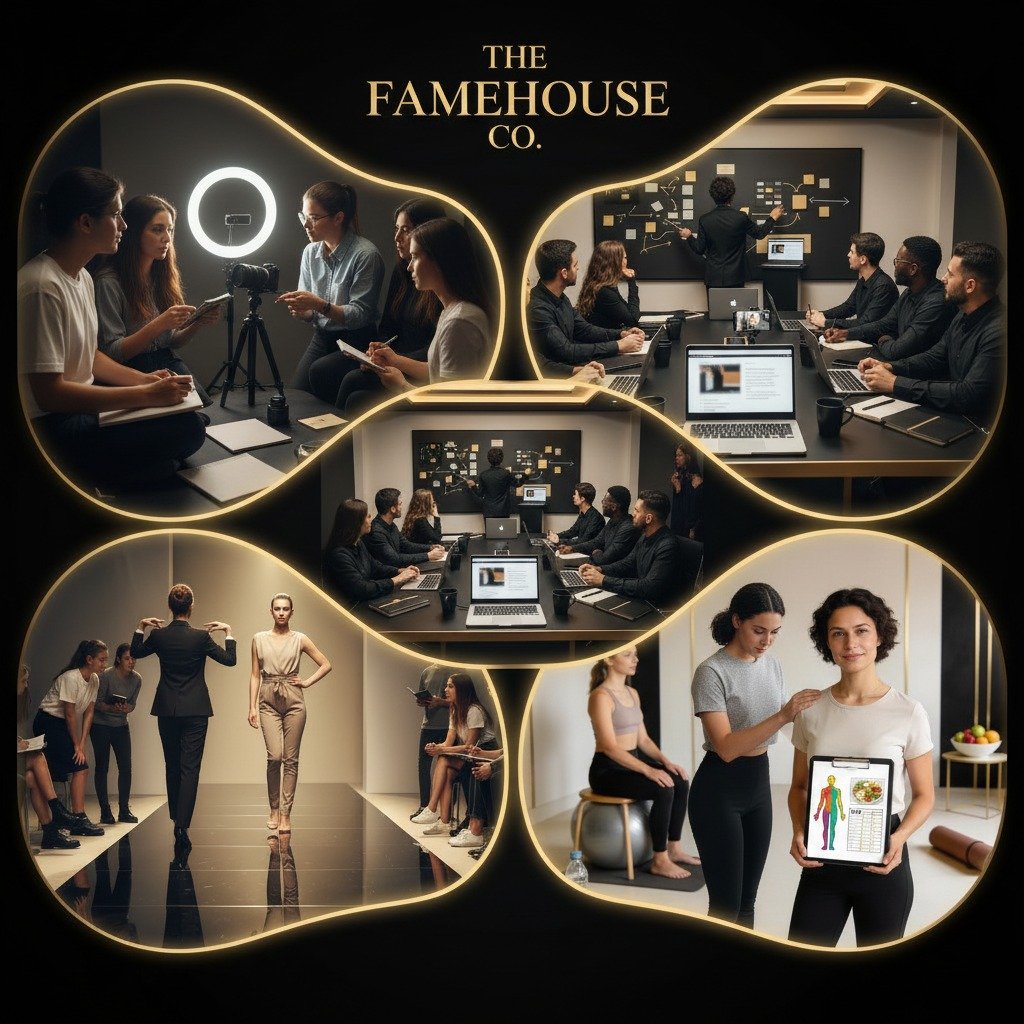
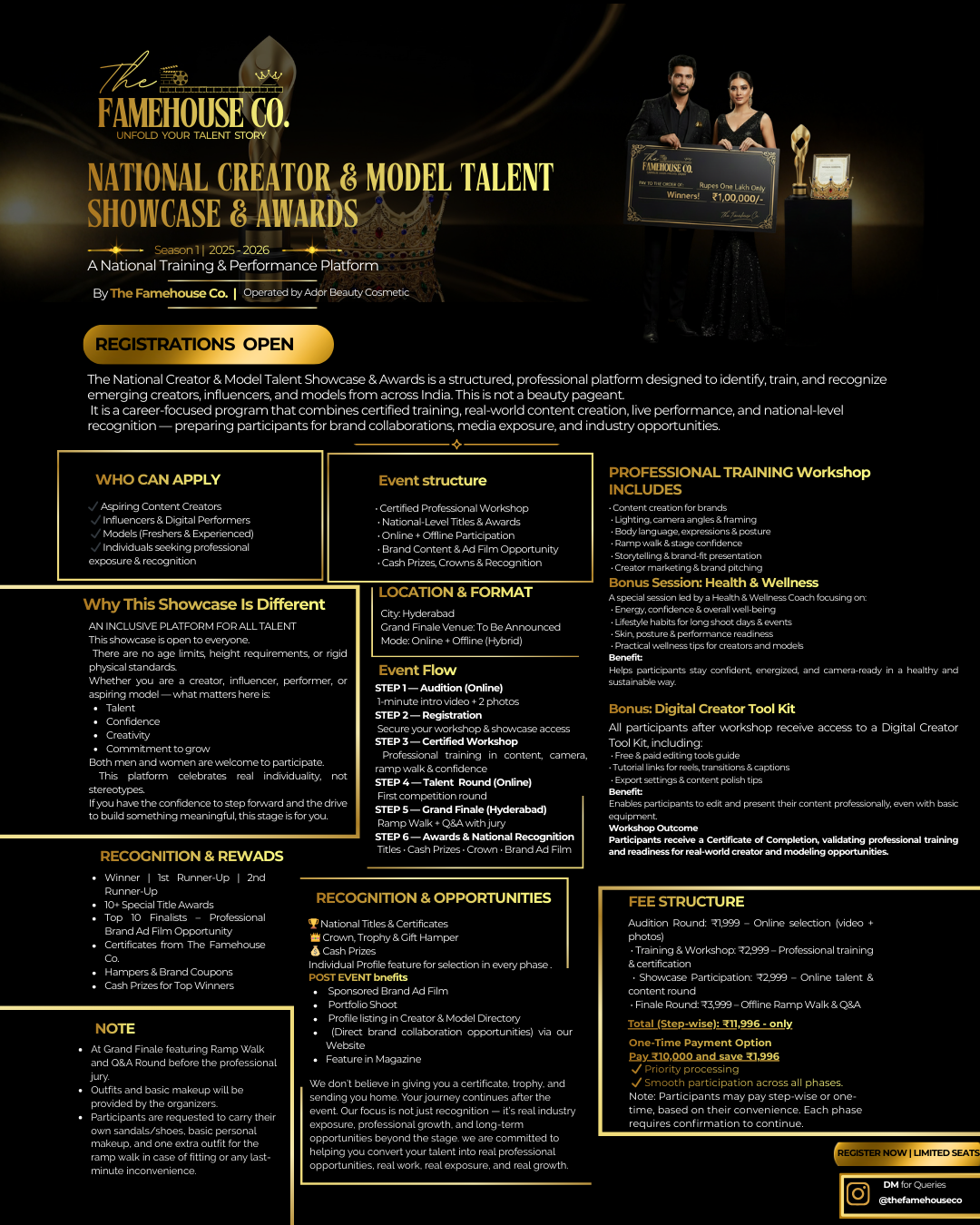
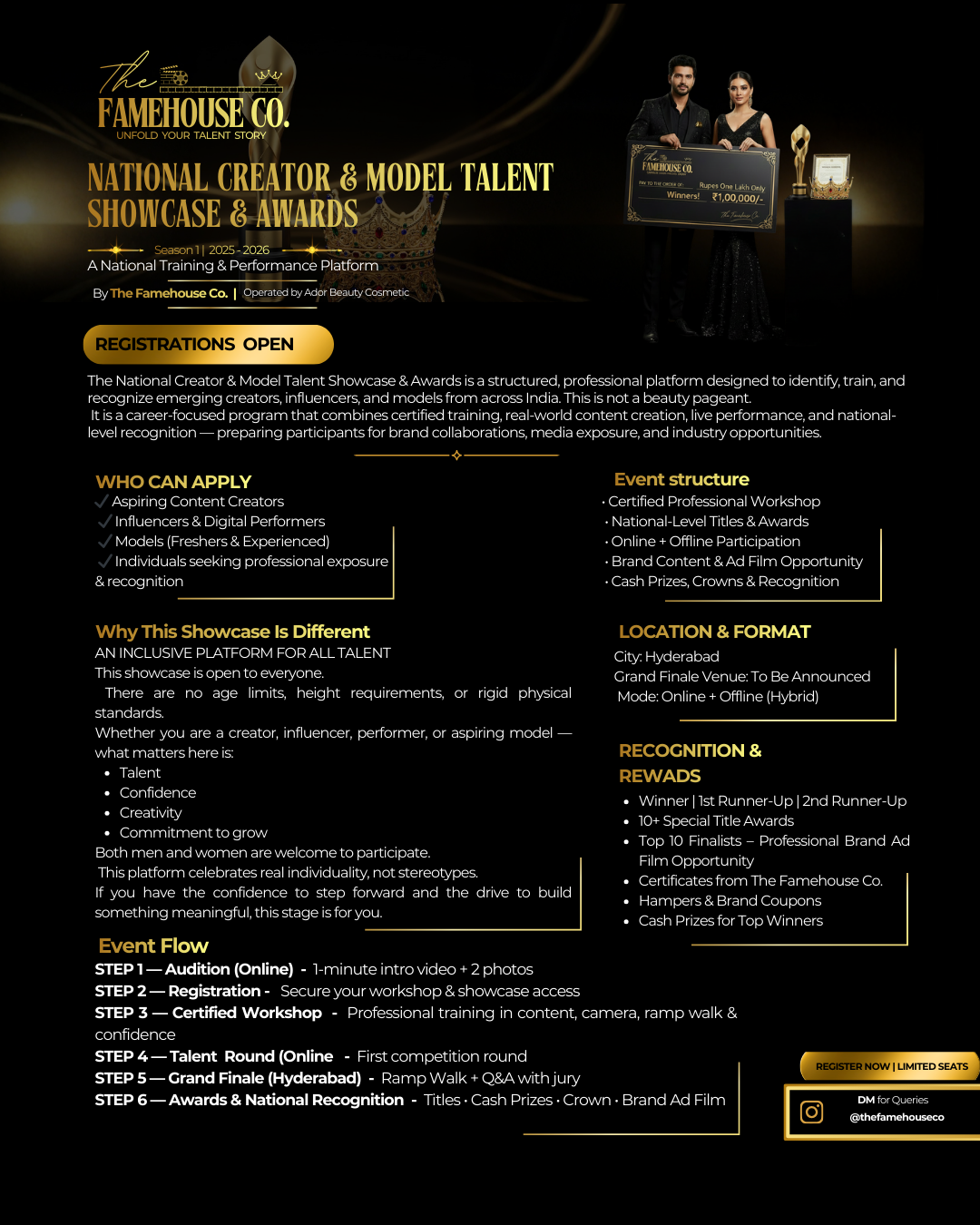
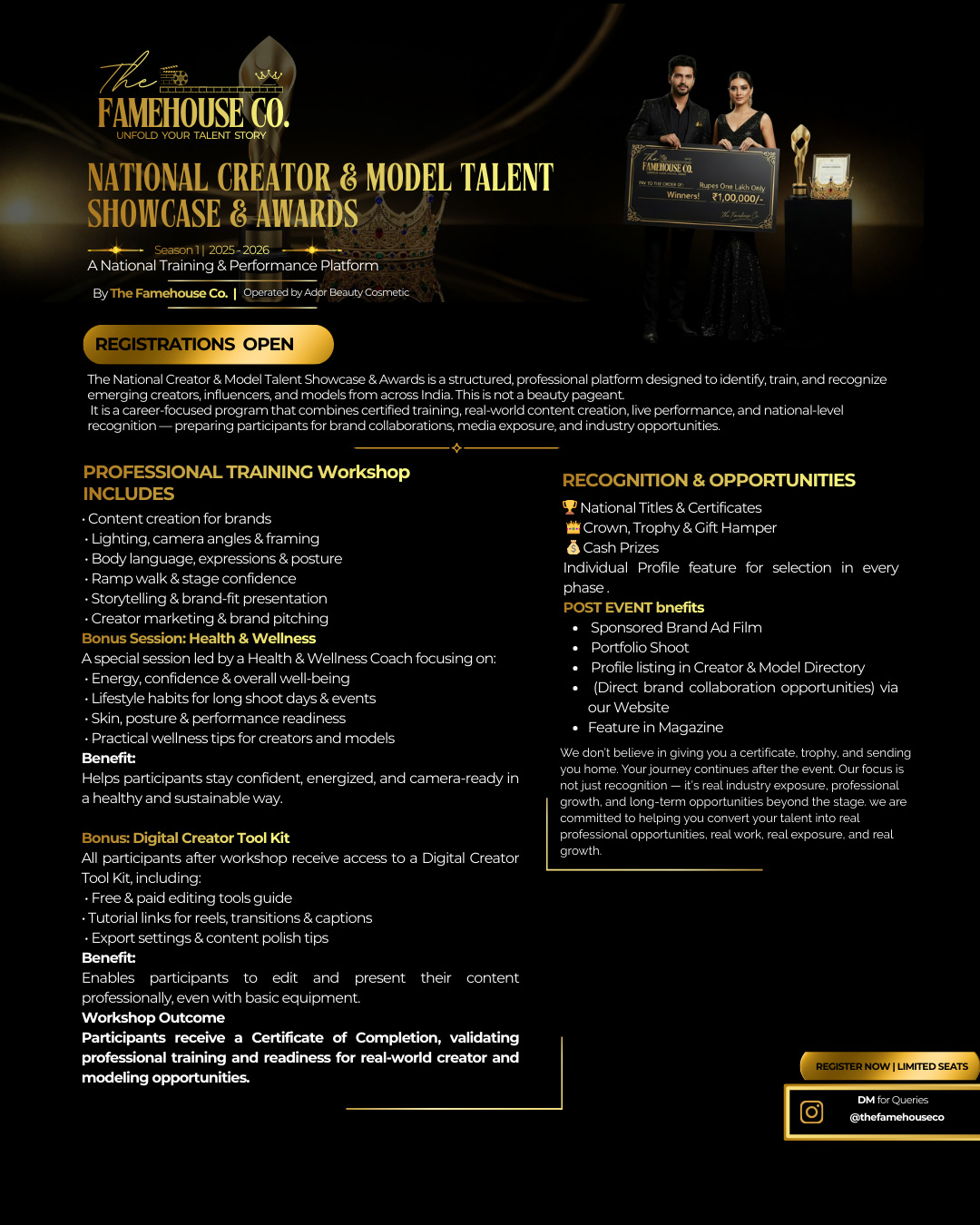
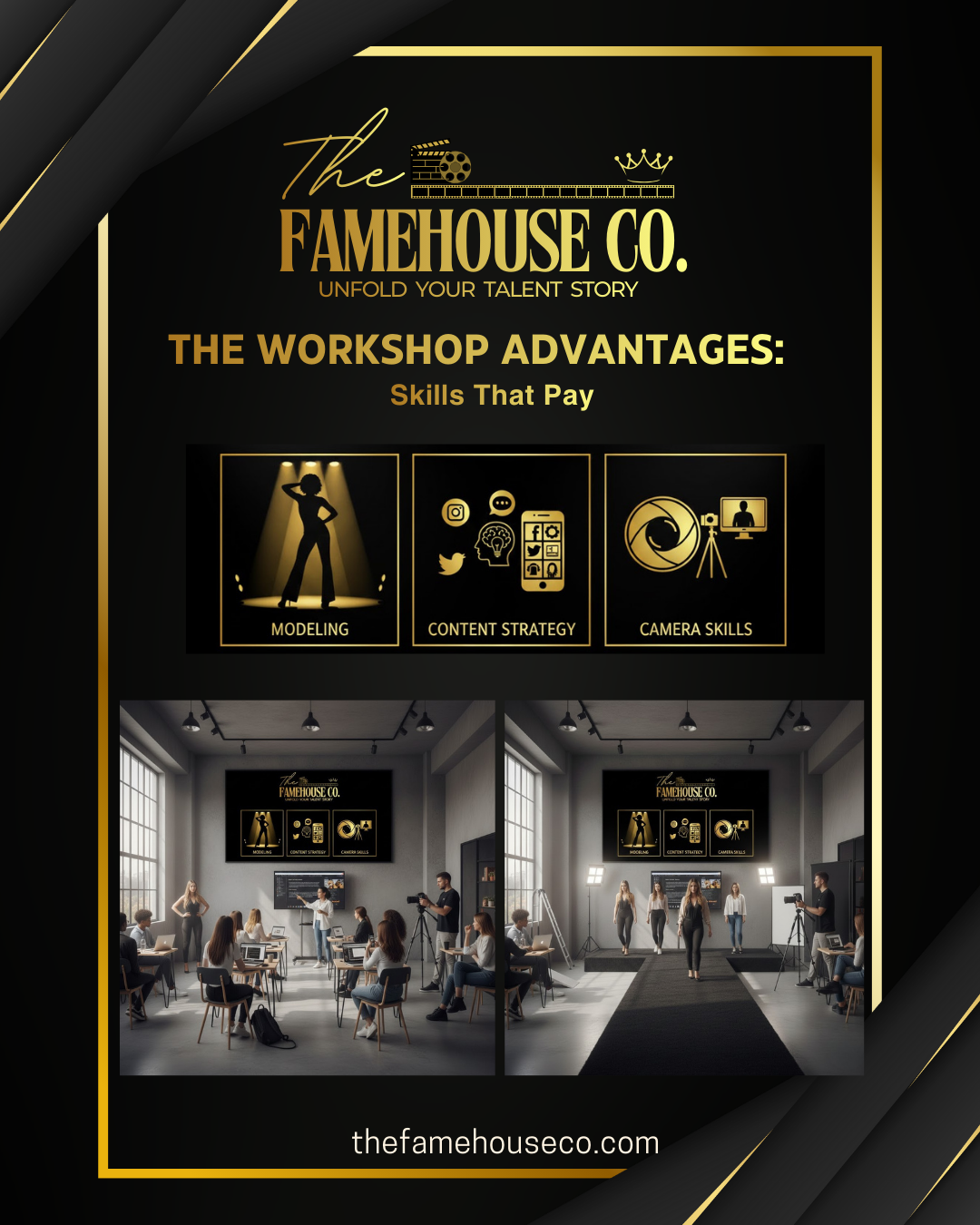
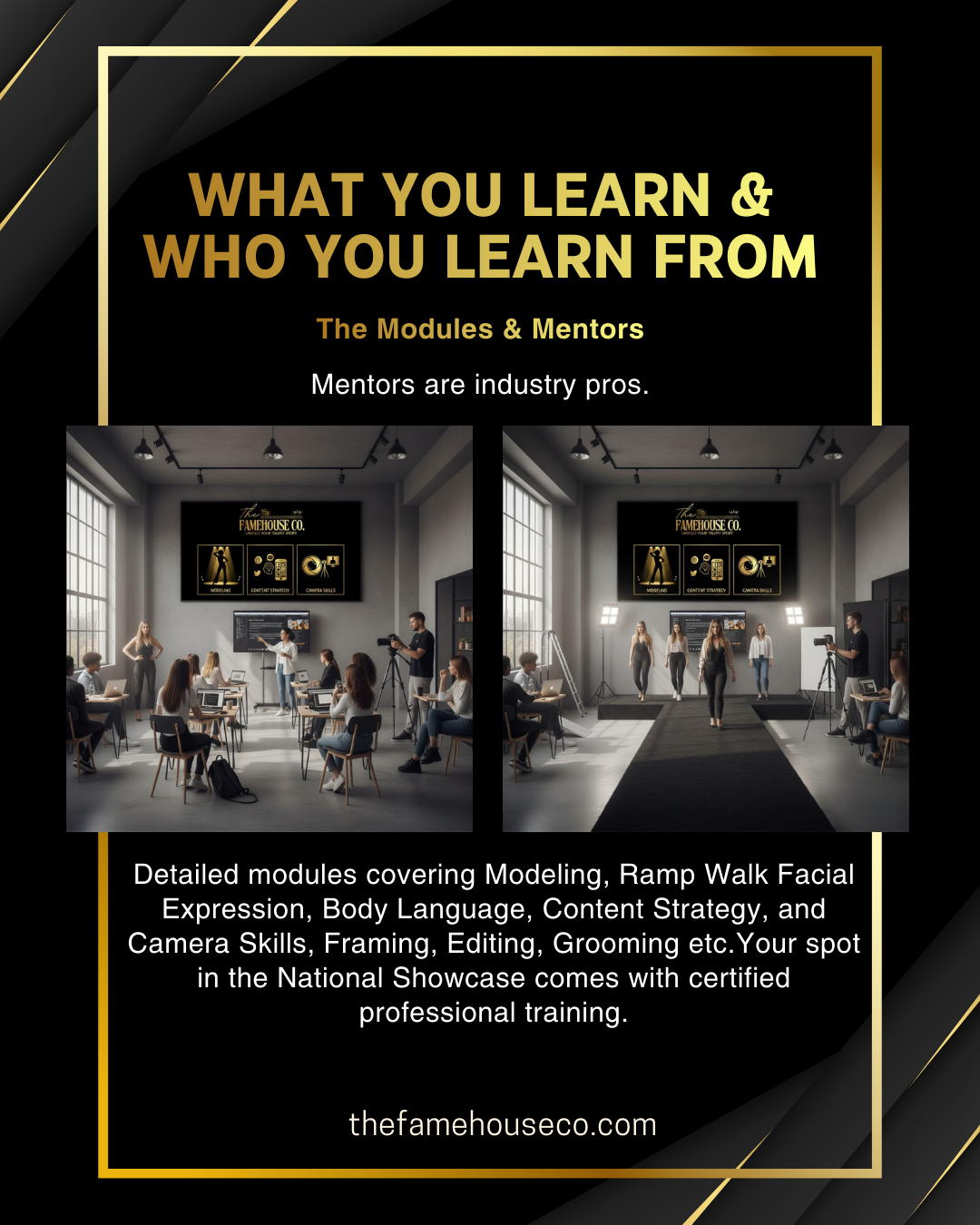
The workshop helps creators and models understand how to present themselves both on camera and in front of a live audience,making them more confident, polished, and brand-ready for real industry opportunities.

Professional Grooming, Training Workshop

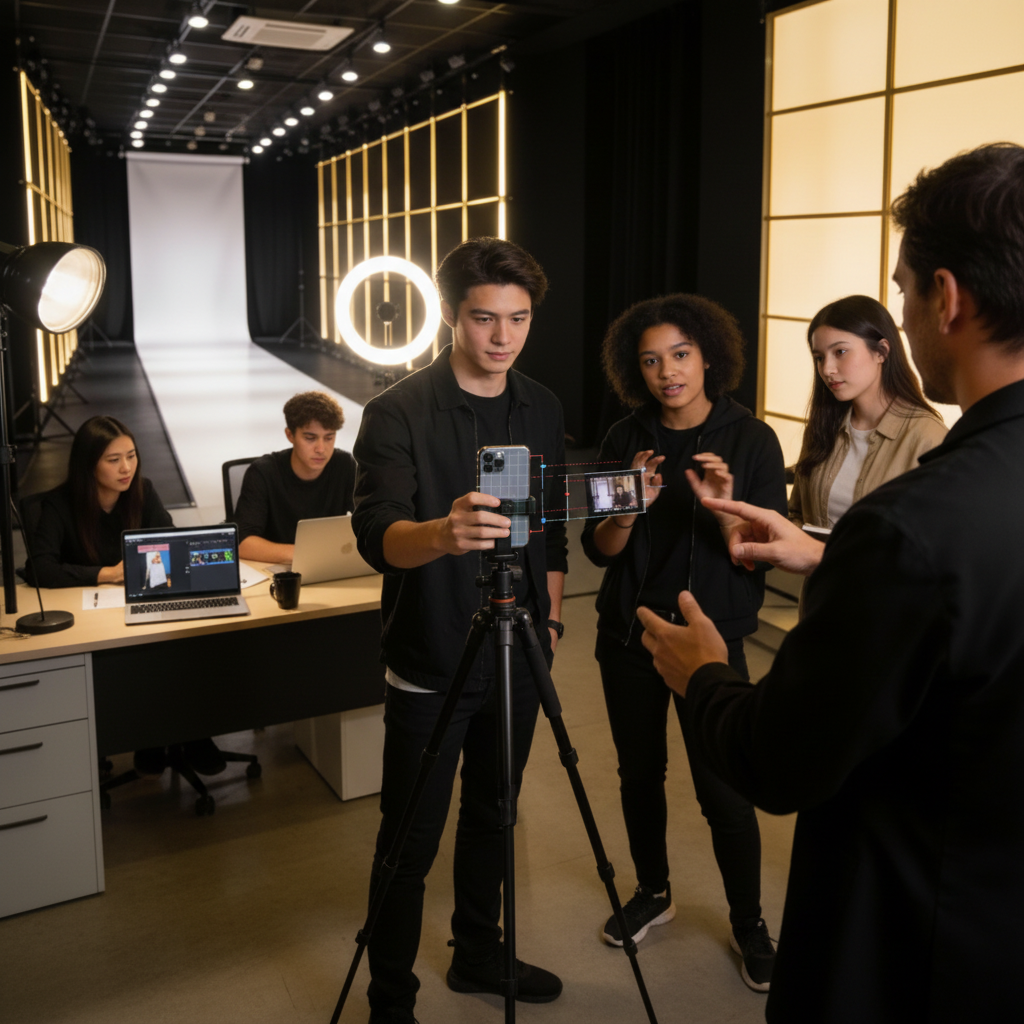
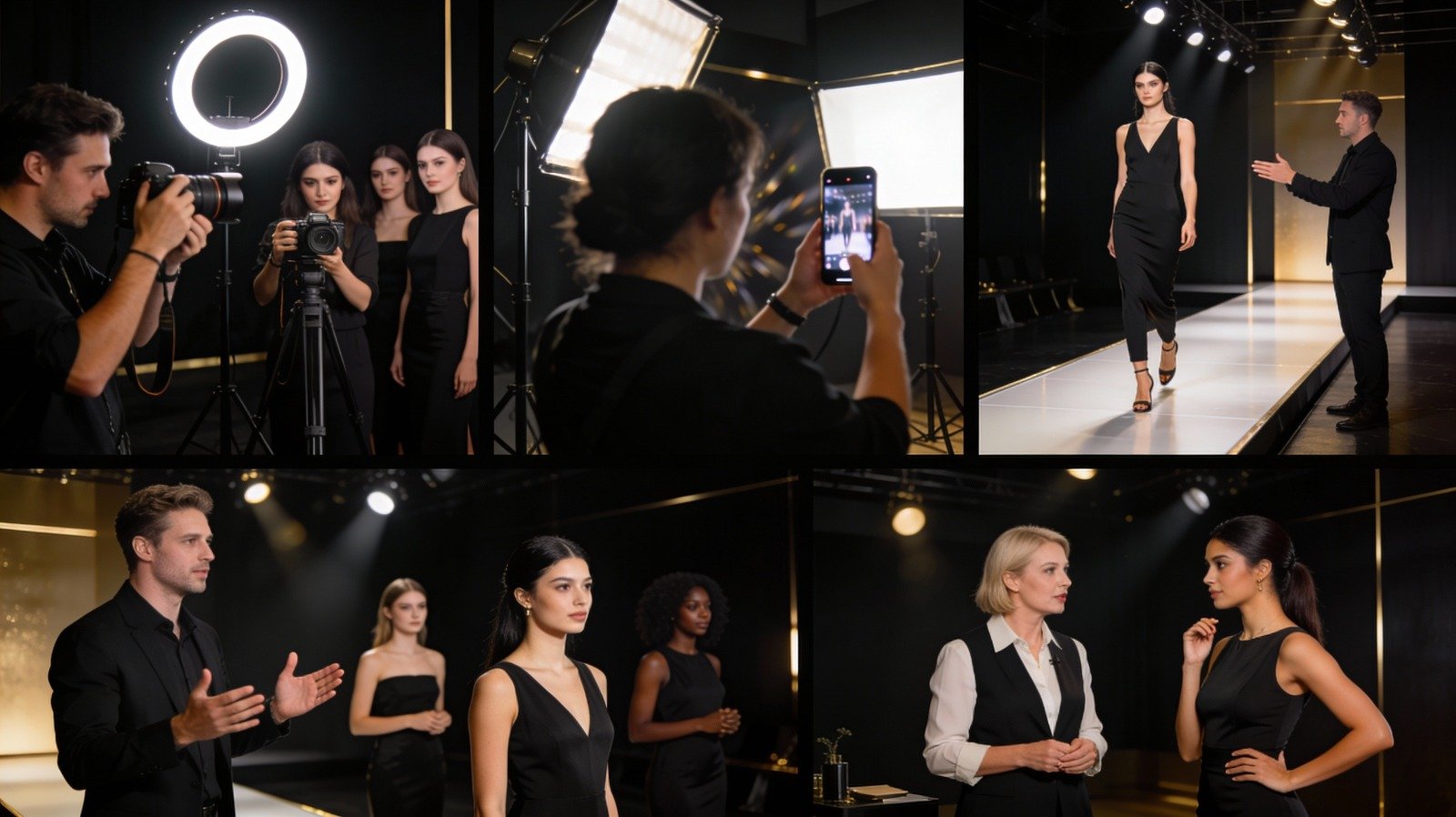
Attend the Creator & Model Training Workshop (available both Online & Offline), led by:

  • Professional Photographers & Videographers
  • Professional Model Trainer
  • Creator Marketing & Brand Collaboration Expert

What You’ll Learn:

  • Types of Modeling and What Each Requires
  • Lighting, camera framing, body language, and storytelling
  • Editing & brand-fit content creation
  • How creators and models can turn their skills into paid collaborations
  • On-screen confidence, presentation, and expression
  • Storytelling & brand-safe integration
  • Portfolio building, pricing, and negotiation techniques
  • How creators earn, how brands select talent, and the types of content that convert to paid partnerships

At the end of the workshop, every participant receives a Certificate of Completion from The Famehouse Co. (Operated by Ador Beauty Cosmetic) — a mark of verified professional training that validates your skills, builds credibility, and strengthens your profile for future collaborations and modeling opportunities.

img

Workshop Details

TRAINING TOPICS LIST (WORKSHOP CONTENT)

MODULE 1 — Shooting Skill & Frame Composition
line
Phone vs camera positioning
Lighting setup (natural + ring light)
Frame composition rules
MODULE 2 — Editing & Final Output
line
Color correction basics
Text overlays + captioning
Sound syncing & transitions
MODULE 3 — Personality & On-Screen Performance
line
Types of Modeling and What It Requires
Voiceover vs talking-face
Expressions & body language
Confidence building — how to sound natural not scripted
Angles for face / product / hand shots
MODULE 4 — Brand Integration
line
On-screen personality, expression & confidence
Do’s & Don’ts when showing product
Industry wise approach:
Jewellery — hand shots, macro details, face highlight
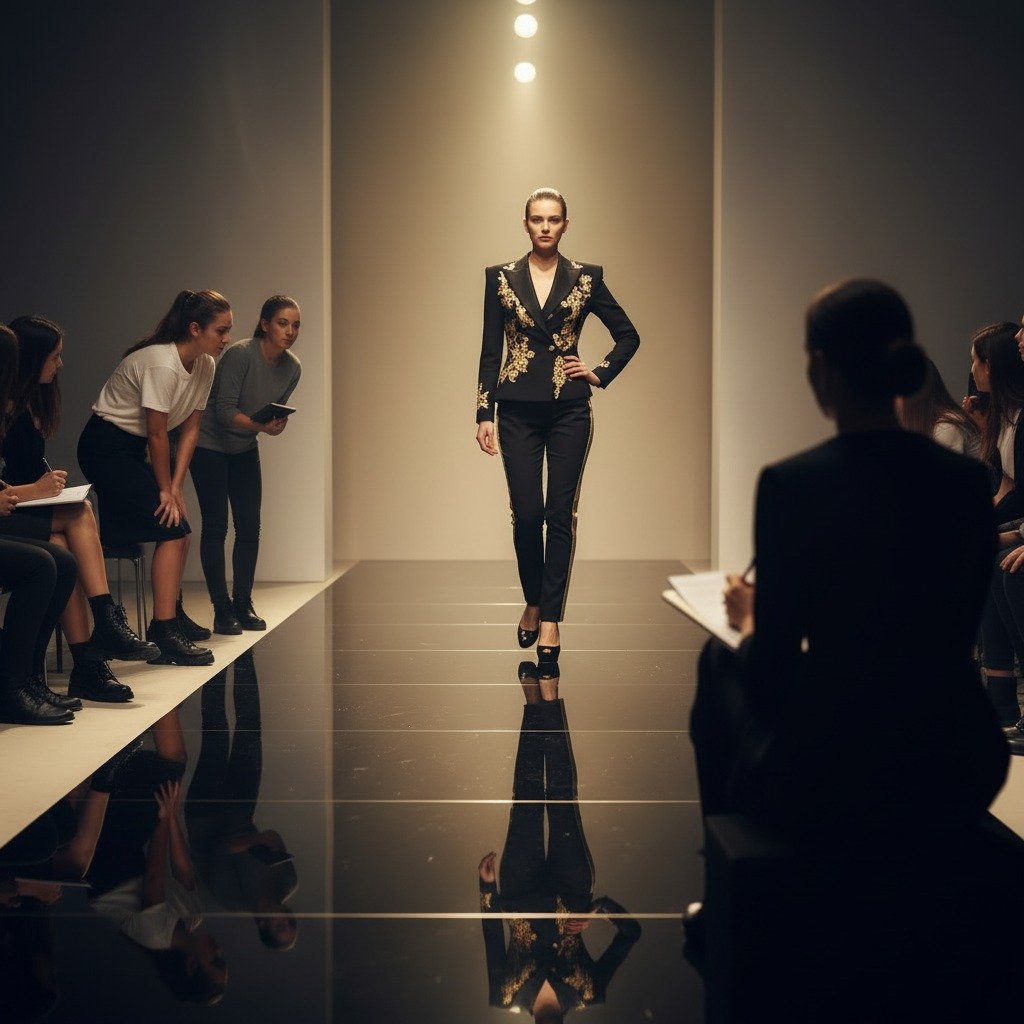
Clothing — walk, fabric movement,transitions
Skincare — texture, application, packaging focus
MODULE 5 — Collab Strategy
line
How creators earn
How brands select creators
how creators and models can turn their skills into paid work.
Storytelling & brand-fit content creation
how brands select creators & models.
MODULE 6 — Publishing rules, Portfolio & Brand Pitching
line
Best time & frequency to post
Caption, cover frame, hashtag logic
Avoiding shadowban & copyright issues
How to drive saves/shares not just likes
How to build a UGC/influencer portfolio
How to pitch brands professionally
How to price reels & negotiate
Common mistakes when dealing with brands

Mentors details

Summary of Mentors Coverage:

Mentors details

Photographer & Videographer: Module 2, Module 5

Professional Model: Module 3, Module 4

Marketing Person: Module 1, Module 6

Health & Wellness coach : - A broad, often unregulated title. They primarily offer general guidance, education, and support for healthy eating. Their expertise focuses on wellness and prevention.

How it will Help: provide crucial strategies for maximizing energy and focus during high-pressure events, offer tips to manage common challenges like bloating and digestive issues, and advise on optimizing skin and hair health. Learn how to maintain camera-ready energy, healthy skin, and balanced nutrition from a professional Health & Wellness coach. Includes a live Q&A where participants can seek general guidance tailored to their health goals and creative lifestyle.

thumb
thumb
thumb

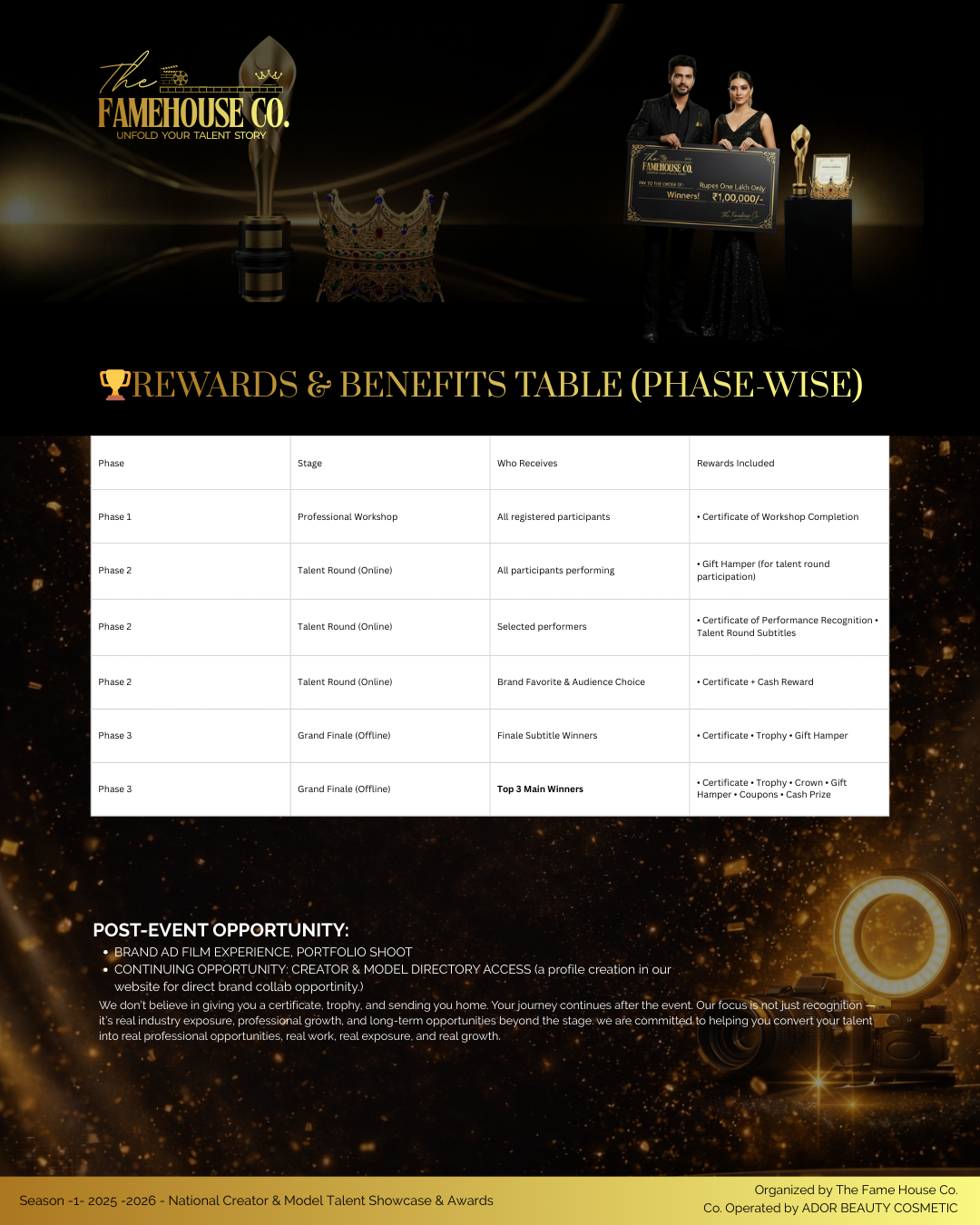
At the end of the workshop, every participant receives a Certificate of Completion from The Famehouse Co. (Operated by Ador Beauty Cosmetic) — a mark of professional training that validates your skills, enhances your credibility, and strengthens your profile for future brand collaborations and modeling opportunities.

Workshop Details

Workshop Mentors — To Be Announced

Your workshop will be conducted by industry professionals who specialize in modeling, camera performance, visual content creation, and creator–brand collaboration.The official mentor panel will be announced one week before the workshop.All participants will receive the workshop schedule, medium (online/offline), and venue details in advance.

  • Professional Model & Grooming Trainer Walk, expressions, confidence, body posture, presentation.
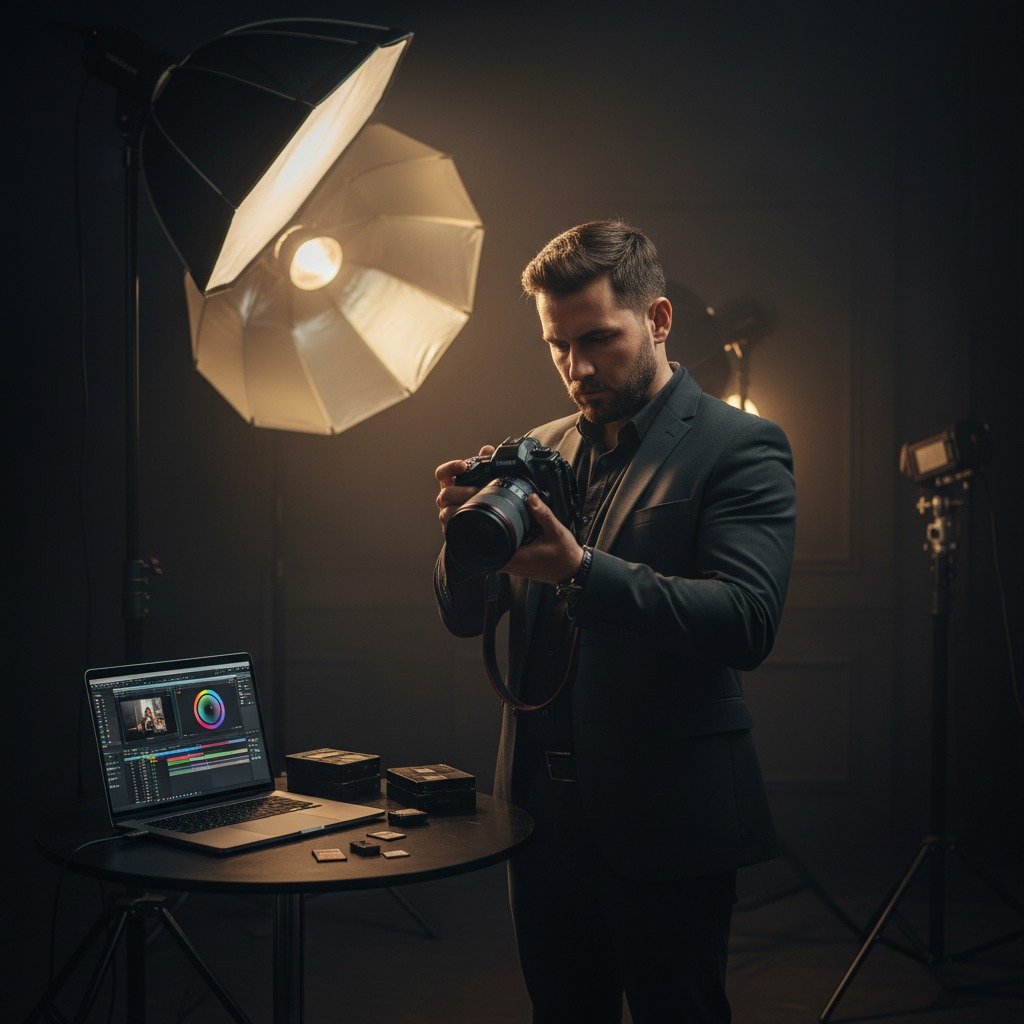
  • Photographer/Videographer & Content Coach Lighting, angles, storytelling, reel structuring, product-focused content.
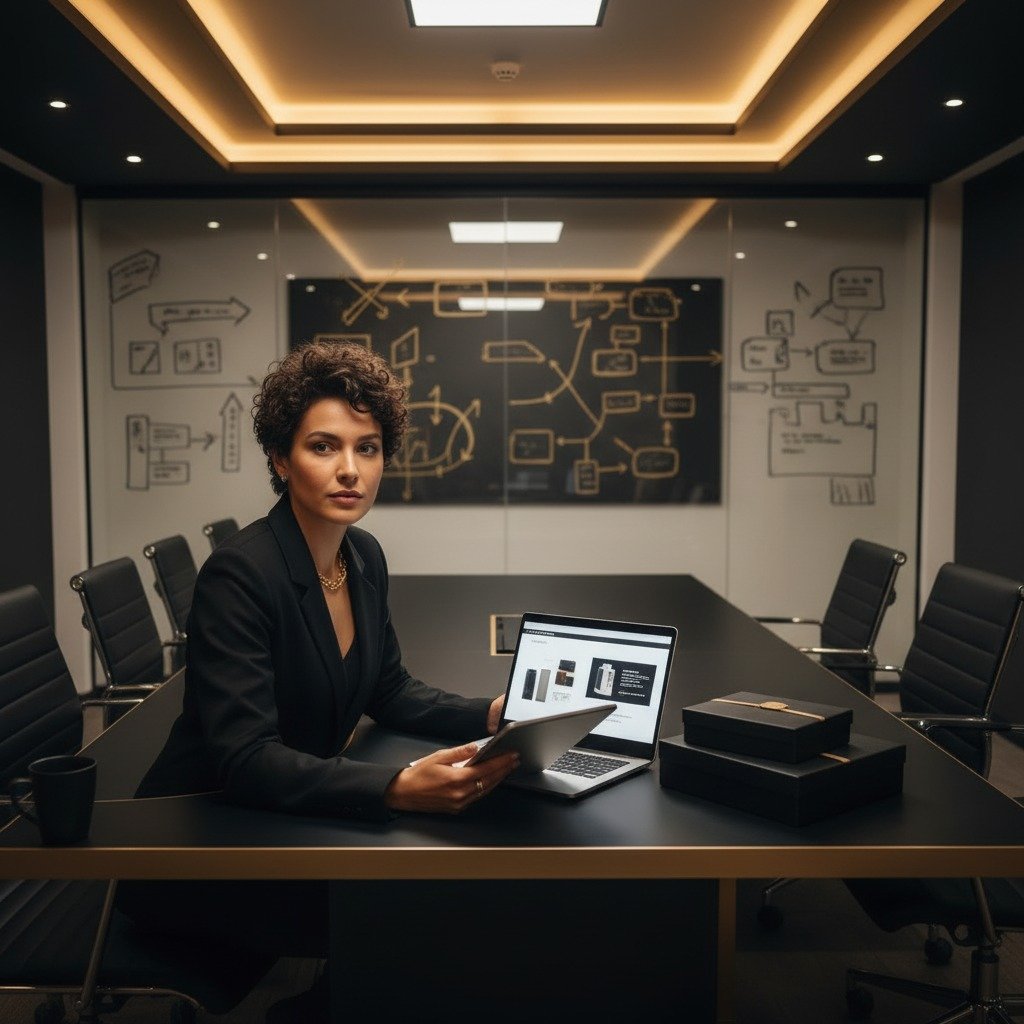
  • Creator Marketing & Collaboration Expert Brand requirements, pitching, pricing, UGC skills, portfolio building.

Workshop Details

Creator Toolkit Guid — bonus

A digital guide designed to upgrade your content quality instantly.The Creator Tool Kit is a curated digital resource prepared by industry professionals to help you edit, refine, and polish your content like a pro — even if you are a beginner.

img
  • Free editing app list + links
  • Paid tools list + pricing + links
  • Caption generator tools
  • Music library links
  • Background replacement tools
  • Lighting & tripod Amazon links
  • Tutorial links (YT / Courses)
  • Script templates bank
  • Trending Hashtag Lists / Niche-wise
  • Reel Size & Specs Guide
  • Free Stock Image / Video Libraries
  • Color Palettes / Filters Suggestions
  • Content Planner Template
  • Keyboard Shortcuts for Editing Apps
  • . Quick Checklist for Shooting a Reel
  • ✔ Upgrades your editing instantly
  • You learn not just what to use, but how to use it — so your content looks professional and brand-ready.
  • Saves hours of trial & error Instead of wasting time searching for the right editing apps or YouTube tutorials, everything is already organized for you.
  • Helps you stand out from other participants Good editing = better storytelling, better presentation, better chances of being selected and noticed.
  • Essential for brand collaborations Brands judge creators based on:clarity, video flow, sound quality, color transitions, The Tool Kit gives you exactly these skills.
  • Works even if you have a basic phone/camera You don’t need expensive equipment — the Tool Kit includes apps that make simple footage look polished
  • Gives long-term value The skills you learn help you: get more collabs, pitch brands confidently, grow your content quality for months/years

Description: These free editing apps offer a range of features suitable for both beginners and advanced creators, enabling them to produce high-quality content without any cost.

Tool Name Platform Pricing Features Link
Adobe Premiere Pro Windows, Mac ₹1,675/month Advanced editing, multi-camera support Adobe Premiere Pro
Final Cut Pro Mac ₹24,990 (one-time) Magnetic timeline, 360° editing Final Cut Pro
Filmora Windows, Mac ₹3,490/year Easy-to-use interface, effects library Filmora

Description: These paid tools provide professional-grade features for creators looking to take their content to the next level, with various pricing options to suit different needs.

Description: These tools assist creators in generating engaging captions tailored to their content,saving time and enhancing audience engagement.

Description: These music libraries offer a wide selection of royalty-free tracks suitable for Instagram Reels and other social media content.

Description: These tools enable creators to replace or remove backgrounds in their videos,enhancing the visual appeal of their content.

Description: These lighting kits and tripods are designed to provide optimal lighting and stability for creators, ensuring professional-quality videos.

Description: These tutorials offer valuable insights and techniques for creating engaging Instagram Reels, catering to both beginners and experienced creators.

Description: These resources provide ready-to-use script templates and guidelines to help creators craft compelling narratives for their Reels.

Description: Curated lists of trending hashtags categorized by niche to increase content discoverability.

Specification Details
Resolution 1080 x 1920 pixels
Aspect Ratio 9:16
Frame Rate Minimum 30 FPS
File Size Up to 4 GB
Format MP4 or MOV
Audio Codec AAC
Video Codec H.264

Description: Detailed specifications for Instagram Reels to ensure optimal quality and compatibility.

Description: Platforms offering a wide selection of free stock images and videos for content creation.

Description: Tools and platforms to help creators choose and apply color palettes and filters that enhance their content's aesthetic.

Description: Templates and tools to help creators plan and schedule their content effectively

App Shortcut Action
Adobe Premiere pro Ctrl + K Cut clip at playhead
Final Cut Pro Cmd + B Blade tool
DaVinci Resolve Ctrl + Shift + I Import media
InShot N/A No keyboard shortcuts

Description: Common keyboard shortcuts for popular editing apps to enhance workflow efficiency

Step Action
1. Prepare your notes
2. Check your gear
3. Set everything up
4. Set up your camera
5. Frame your shot
6. Lock down your focus, exposure &
7. Do a test run
7. Record your video

Description: A step-by-step checklist to ensure all aspects of shooting a reel are covered for optimal results

img
img
img
img
img
img
img
img
img
@thefamehouseco
logo